
Football
Bangladesh Premier Football League, Premier League, Champions League, La Liga.
The 1win app brings the full platform to your phone – cricket betting on BPL and IPL, the exclusive Lucky Jet crash game, 14,000+ casino games, and instant bKash and Nagad payments. 1win is an international crypto-oriented iGaming platform that has served over 100 million users across 50+ countries since 2016, and the mobile experience reflects that scale. The 1win application is available as an Android APK (8.61 MB), an iOS PWA installable from Safari, and a Windows PC client – all free, all with Bengali language support. Installing the 1win official app earns you 200 1win Coins instantly, with an additional 100 Coins for enabling push notifications.
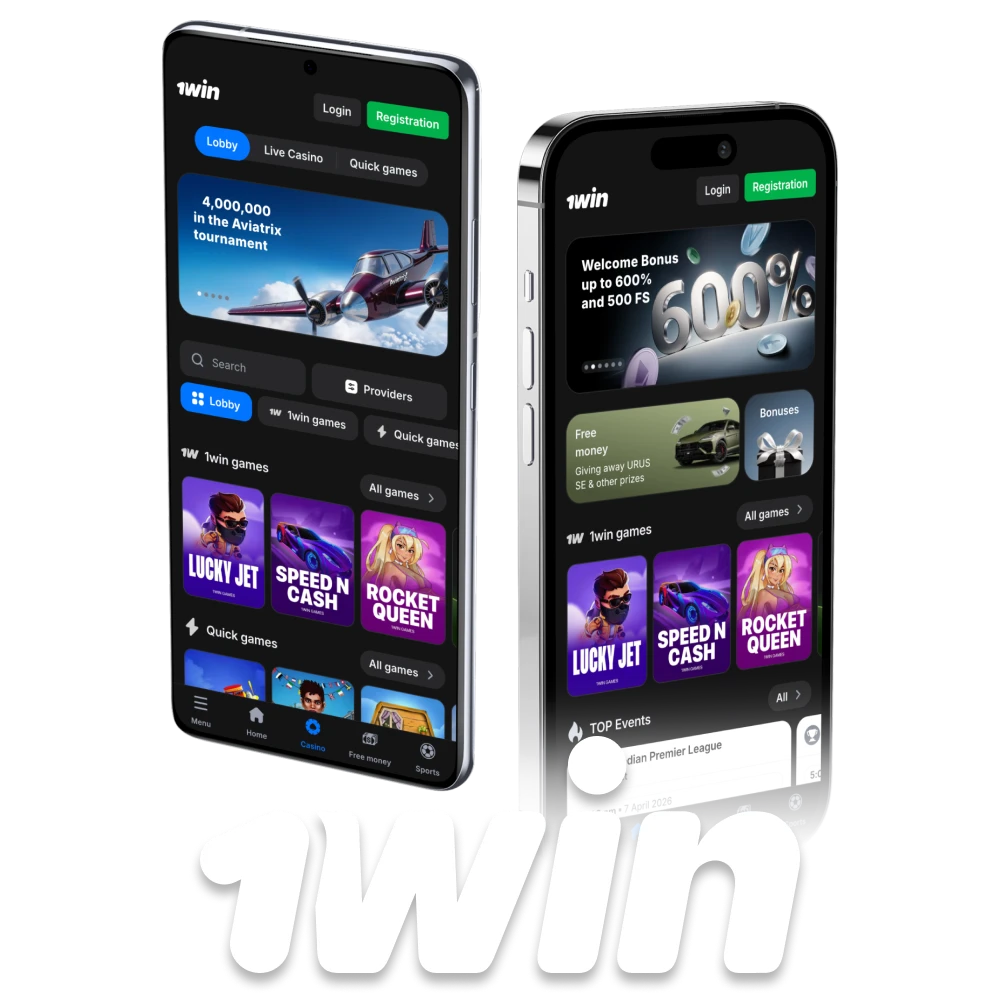
Before starting the 1win app download, check that your device meets the basic requirements. The table below covers all three versions currently available.
| Android APK | iOS PWA | PC App | |
|---|---|---|---|
| File Size | 8.61 MB | No download | ~50 MB |
| OS Required | Android 5.0+ | iOS 12.0+ (Safari) | Windows 7+ |
| Available on Play Store / App Store | No – APK only | No – Safari install | No – direct download |
| Bengali Interface | ✅ | ✅ | ✅ |
| Currency | BDT | BDT | BDT |
| bKash / Nagad | ✅ | ✅ | ✅ |
| Push Notifications | ✅ | Limited | ❌ |
| Biometric Login | ✅ Fingerprint | ✅ Face ID | ❌ |
| Lucky Jet | ✅ | ✅ | ✅ |
| Live Cricket Betting | ✅ | ✅ | ✅ |
| Cost | Free | Free | Free |
The 1win apk is not available on the Google Play Store – this is standard for all licensed betting platforms because Google restricts gambling apps in its store. The 1win apk download is made directly from our official source and is completely safe. At just 8.61 MB, it downloads in seconds even on a 3G connection – one of the smallest betting apps available in Bangladesh.
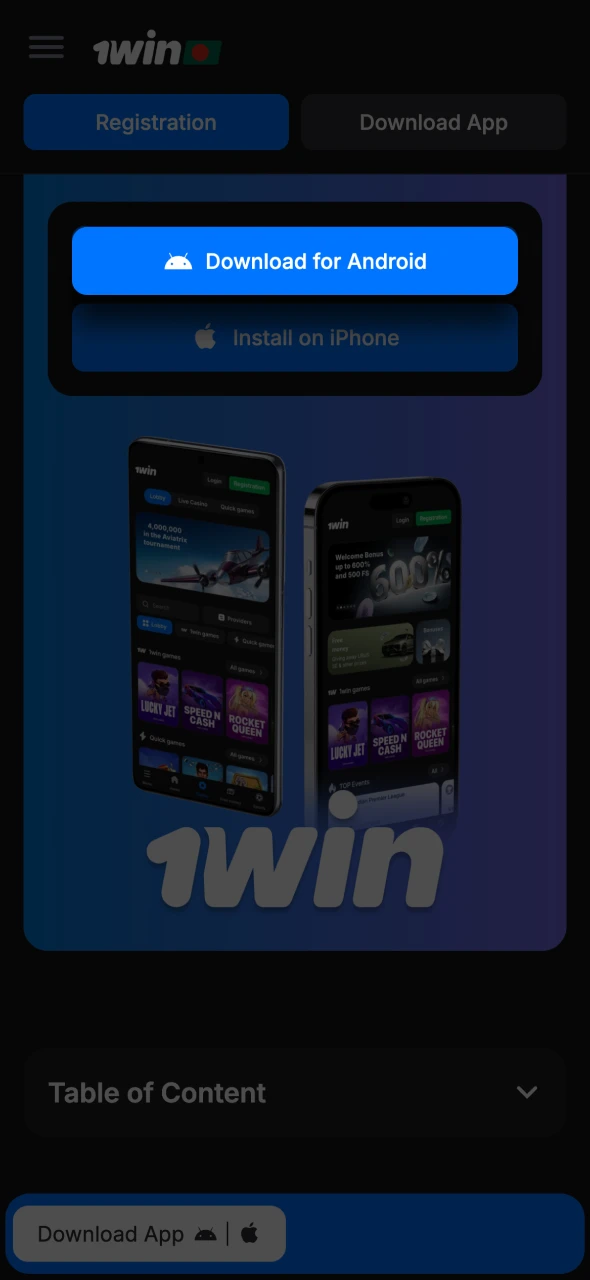
Tap the Download for Android button on this page and the APK file begins downloading automatically. You will see the download progress in your notification bar.
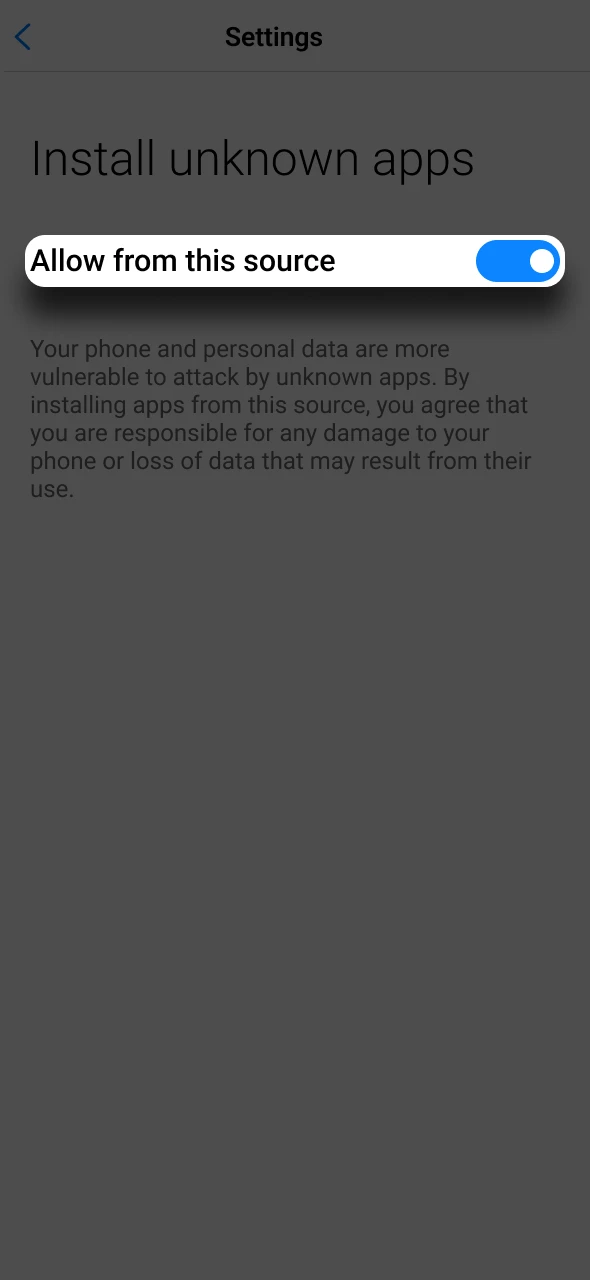
Android blocks APK installation from outside the Play Store by default. This is a one-time setting that takes under 30 seconds.
This does not affect your phone’s security when downloading from an official source.
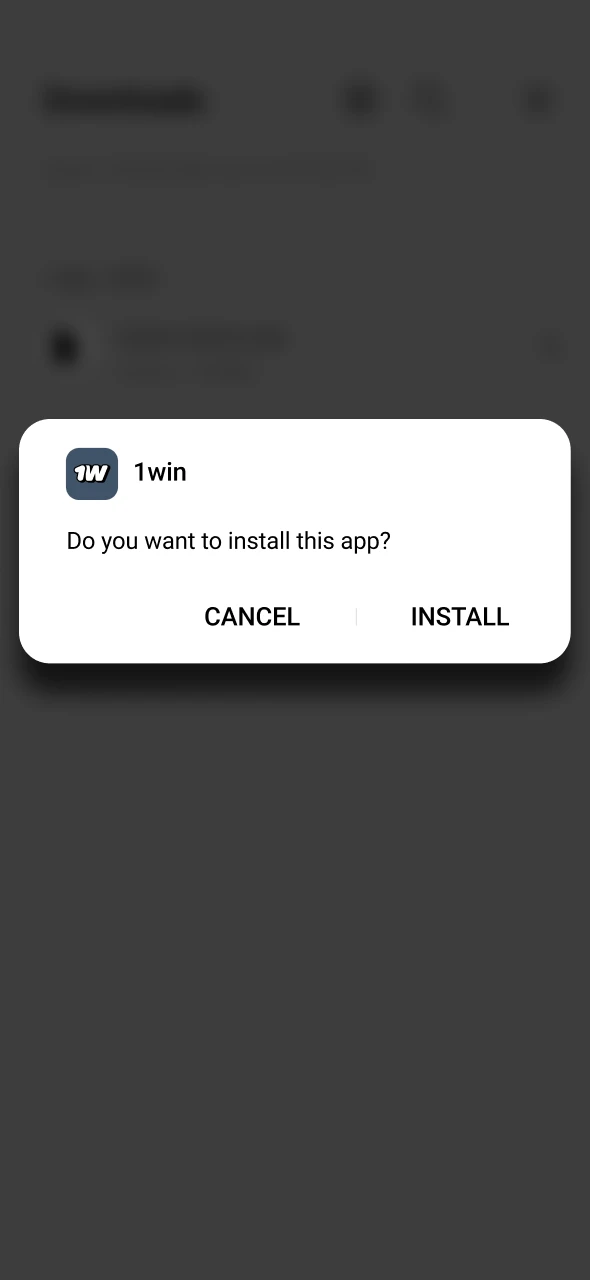
Open the downloaded file from your Downloads folder or directly from the notification bar. Tap Install and wait approximately 15 seconds. The 1win icon will appear on your home screen.
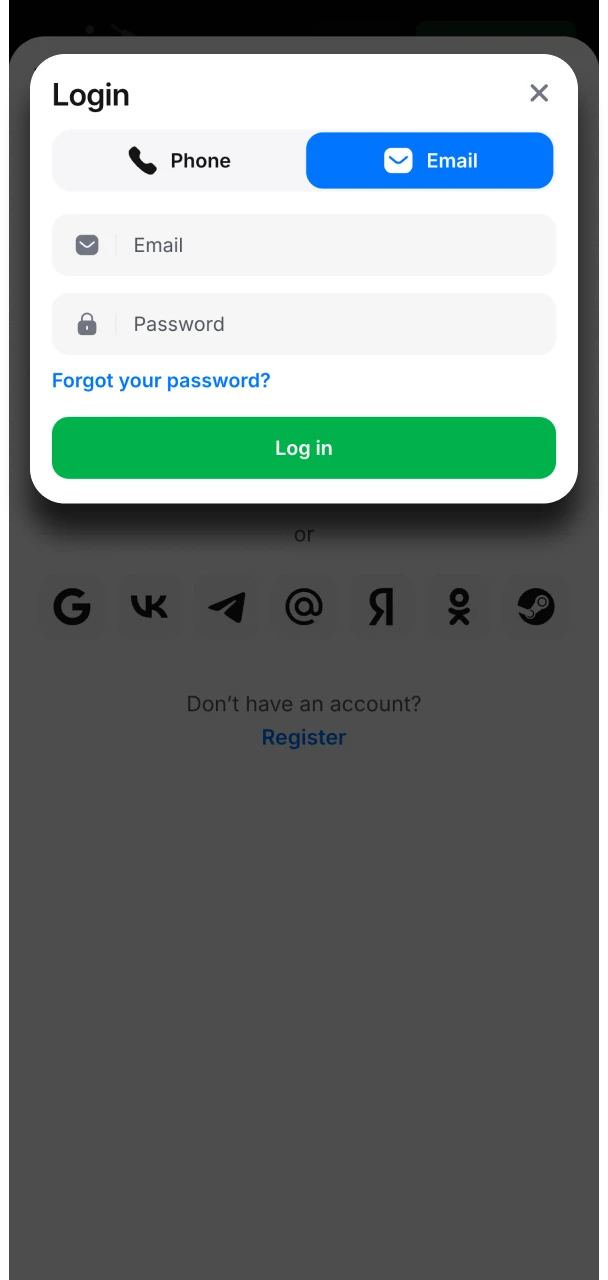
Open the 1win mobile app and tap Login if you already have an account, or Register to create one directly inside the app. Select Bengali as your interface language from the settings if preferred. Activate fingerprint login in Settings → Security for faster access during live betting sessions.
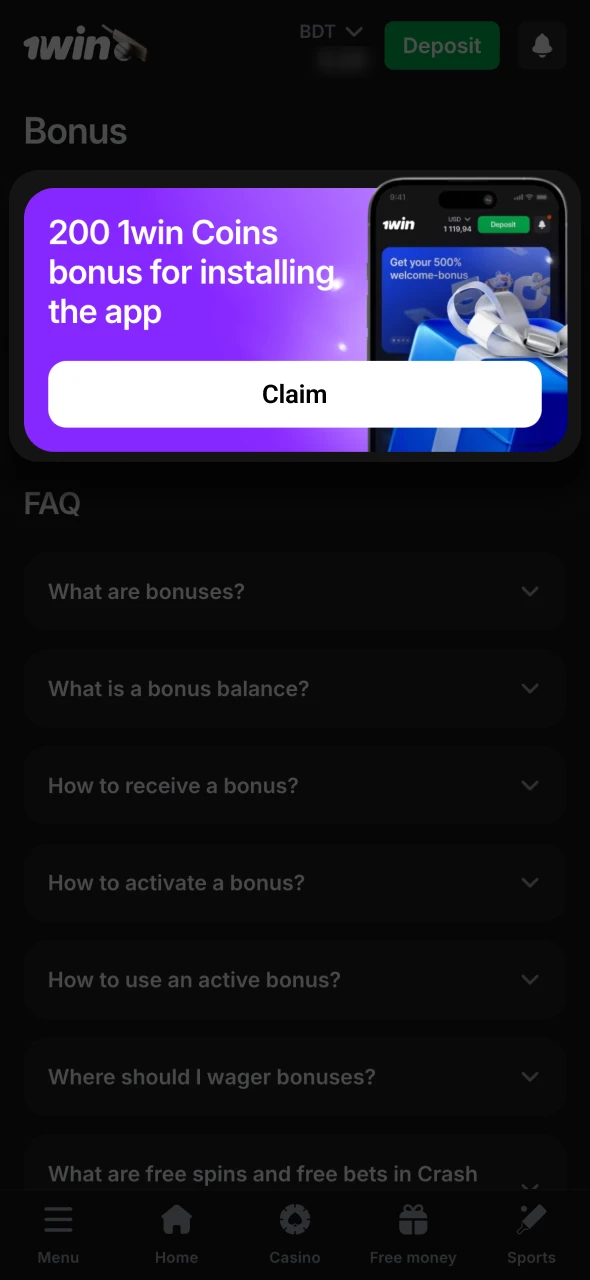
After installing the 1win bet app, navigate to the Bonuses section. You will see 200 1win Coins credited automatically for the install. Enable push notifications when prompted to receive an additional 100 Coins. When your total reaches 1,000 Coins, they convert to real withdrawable BDT.
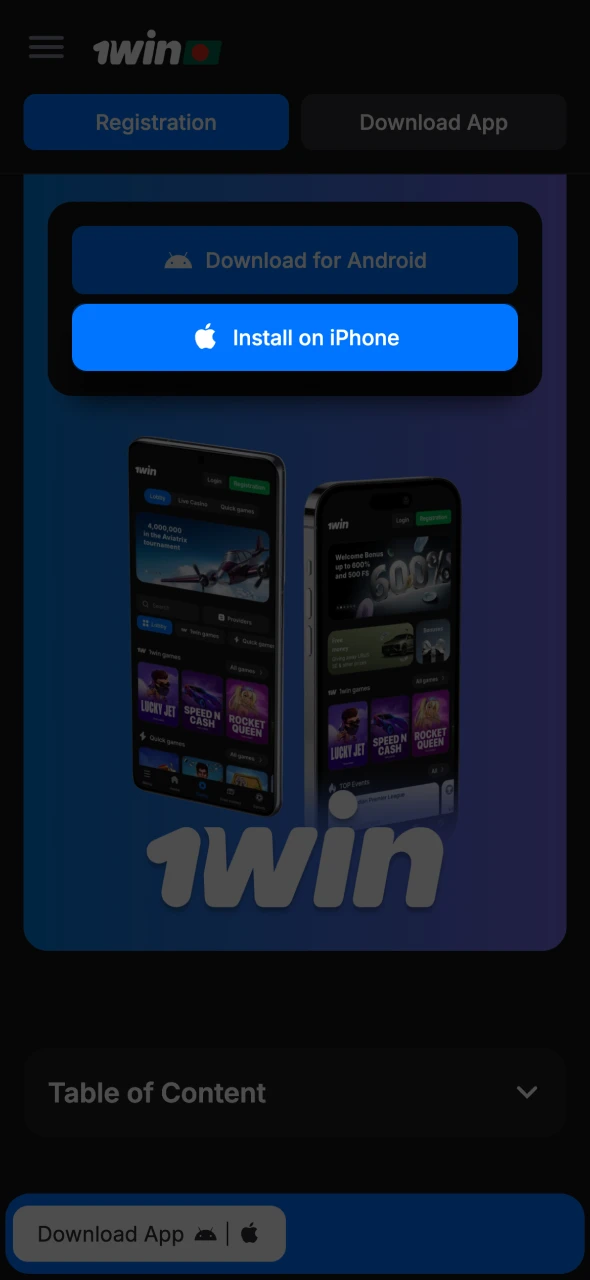
The 1win app for iOS works as a Progressive Web App (PWA) installed directly from Safari. There is no 1win download iOS through the App Store – instead, the PWA gives you a full-screen, app-like experience with the same functionality as the Android version. It takes under one minute to set up and requires no storage space beyond a small cache.
Open Safari on your iPhone and go to the 1win website using the button on this page.
Wait for the page to fully load.
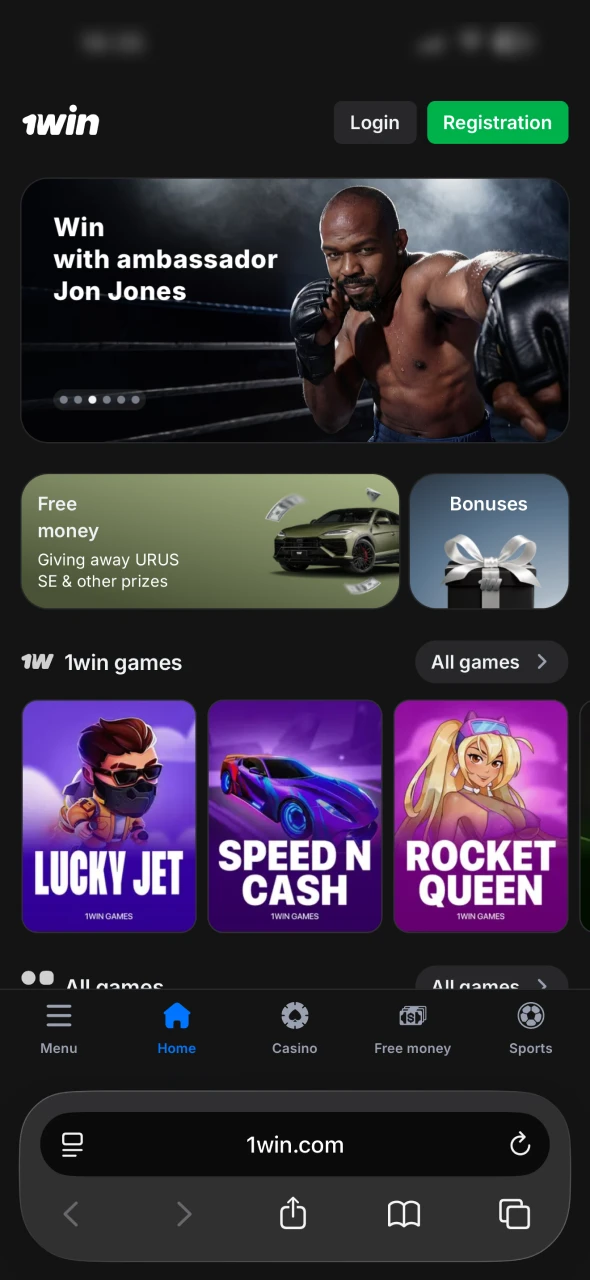
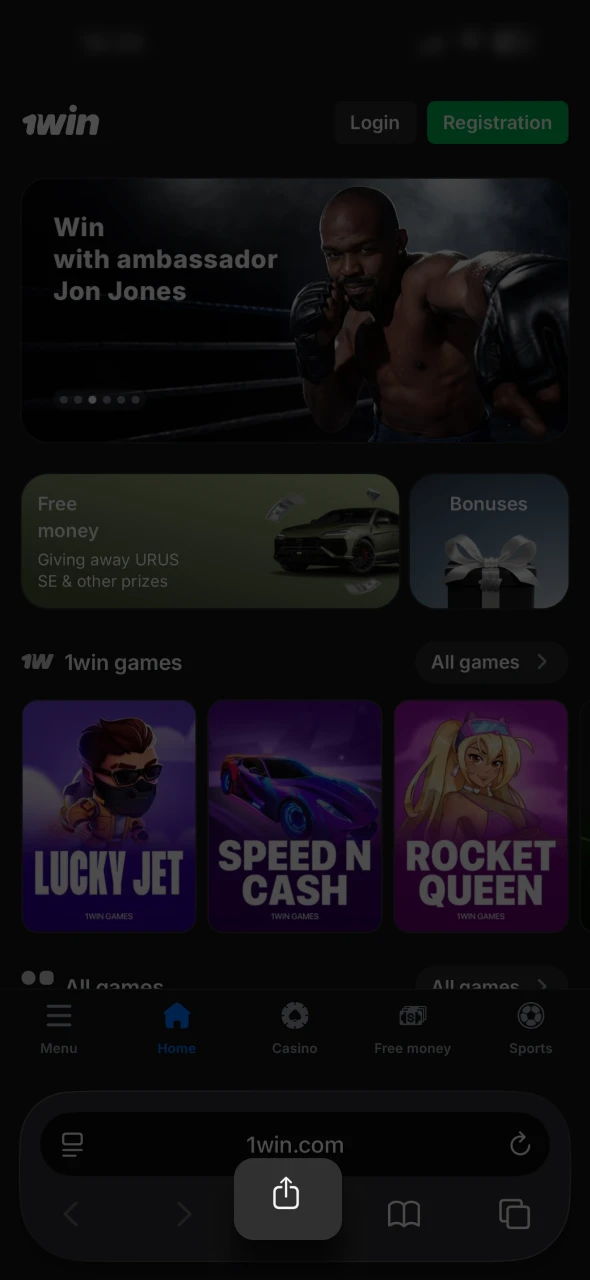
Tap the Share button (the square with the upward arrow at the bottom of Safari).
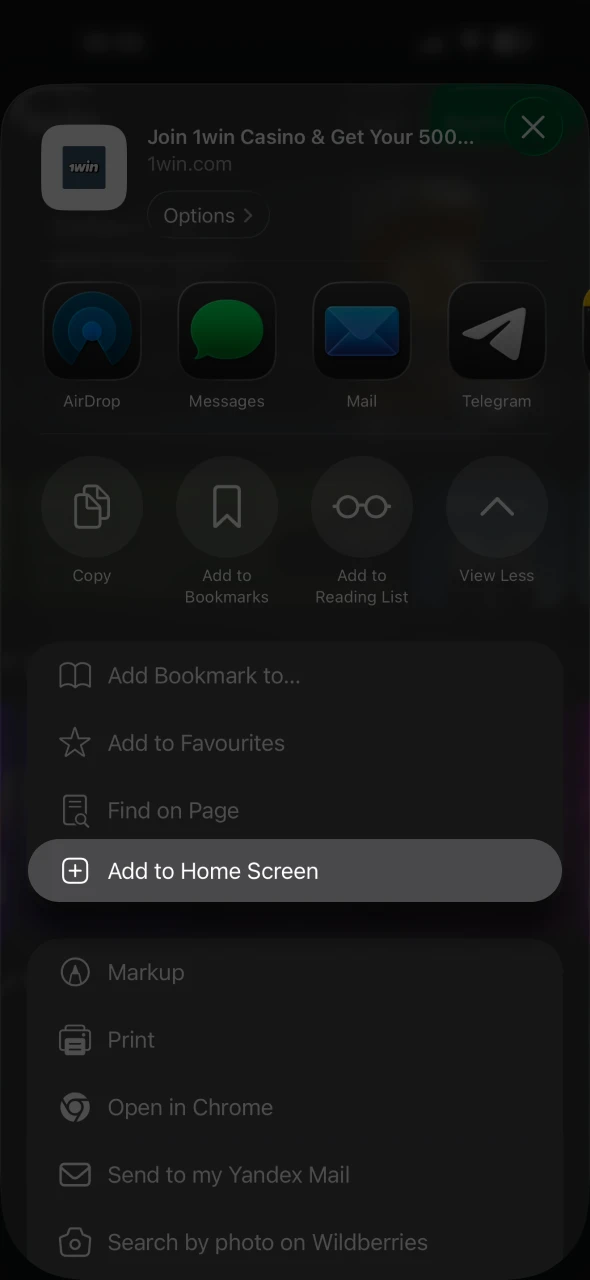
Scroll down and tap “Add to Home Screen”.
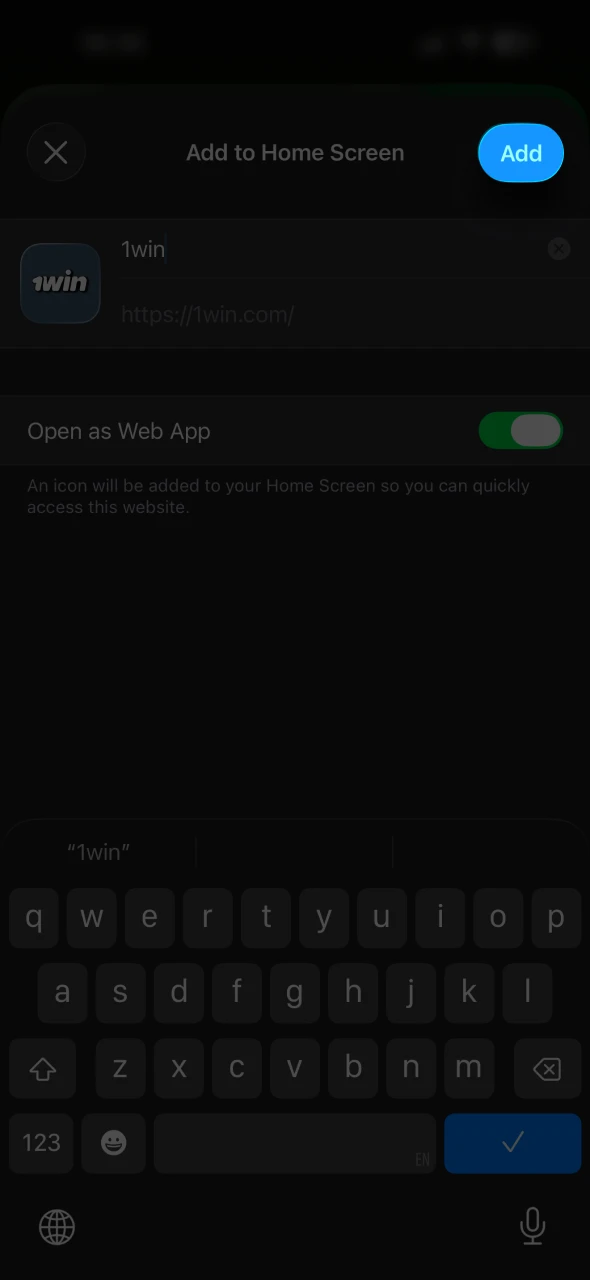
Confirm the name as “1win” and tap Add.
The icon will appear on your home screen and will open in full-screen mode without Safari’s address bar, just like a downloaded app.
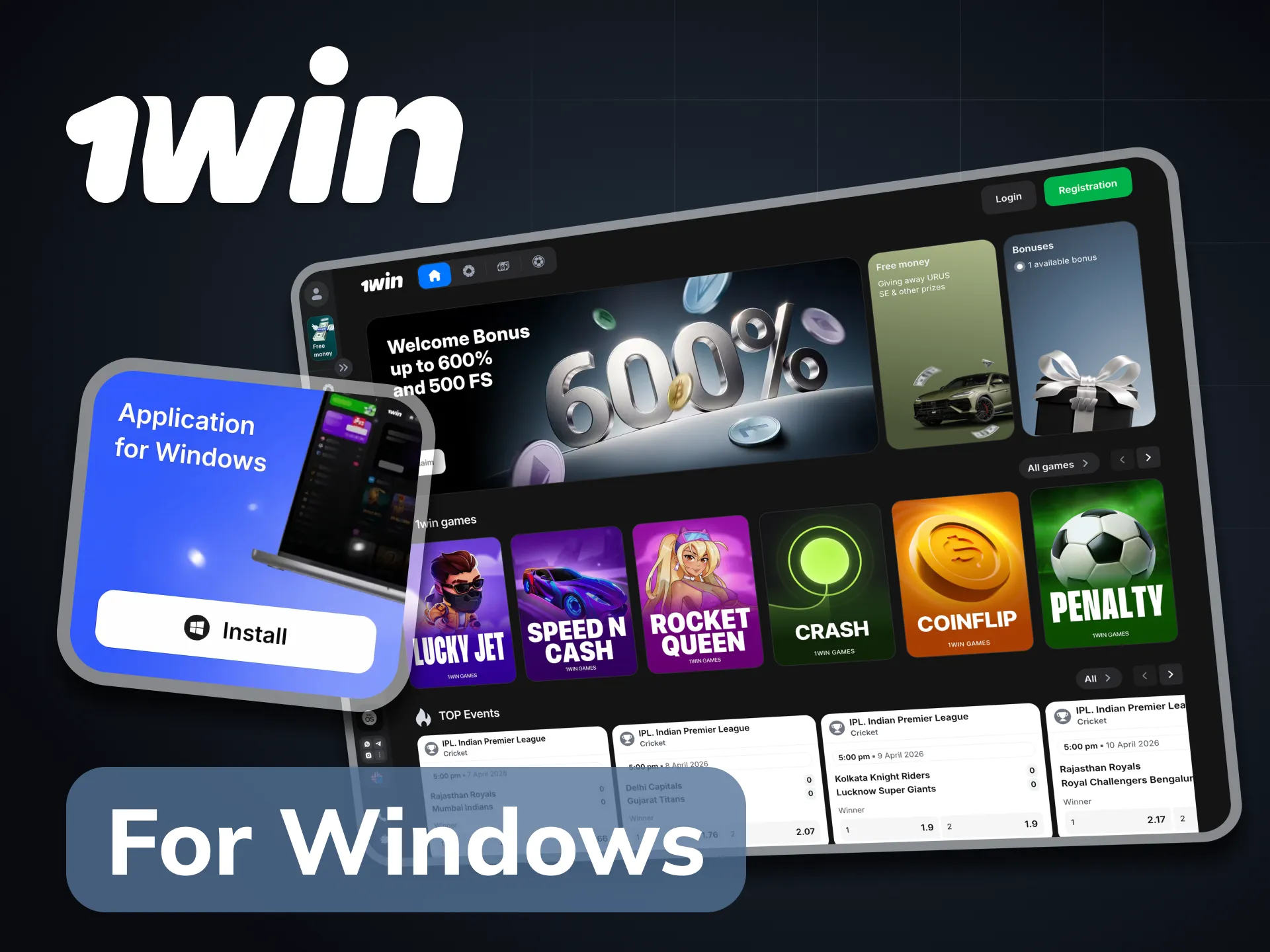
For players who prefer a larger screen – particularly for Live Casino, long cricket sessions, or multi-match live betting – the 1win PC client is available as a direct Windows download.
Download it using the button on this page. The file is approximately 50 MB and installs on Windows 7 or higher with 1 GB of RAM. All features are available: full sportsbook, casino, bKash and Nagad payment processing, and account management. The PC client is particularly convenient during IPL and BPL seasons when you want to track multiple live matches simultaneously on a single screen.
Both options give you access to the complete 1win platform. The differences come down to speed, notifications, and a few exclusive benefits that only exist inside the installed app.
| Feature | 1win App | Mobile Website |
|---|---|---|
| Push Notifications | ✅ | ❌ |
| Biometric Login | ✅ Fingerprint / Face ID | ❌ |
| App Install Bonus (200 Coins) | ✅ | ❌ |
| Notification Bonus (100 Coins) | ✅ | ❌ |
| Loading Speed | Faster | Variable by connection |
| Auto-Login | ✅ | ❌ |
| bKash QR Scan | ✅ | ✅ |
| Lucky Jet | ✅ | ✅ |
| Live Cricket Betting | ✅ | ✅ |
| Full Casino Access | ✅ | ✅ |
| Storage Used | 8.61 MB | 0 MB |
For regular Bangladeshi bettors who follow BPL and IPL live, the push notifications alone justify using the 1win betting app over the browser – a wicket alert or odds shift during a live match can make the difference in a ball-by-ball bet.
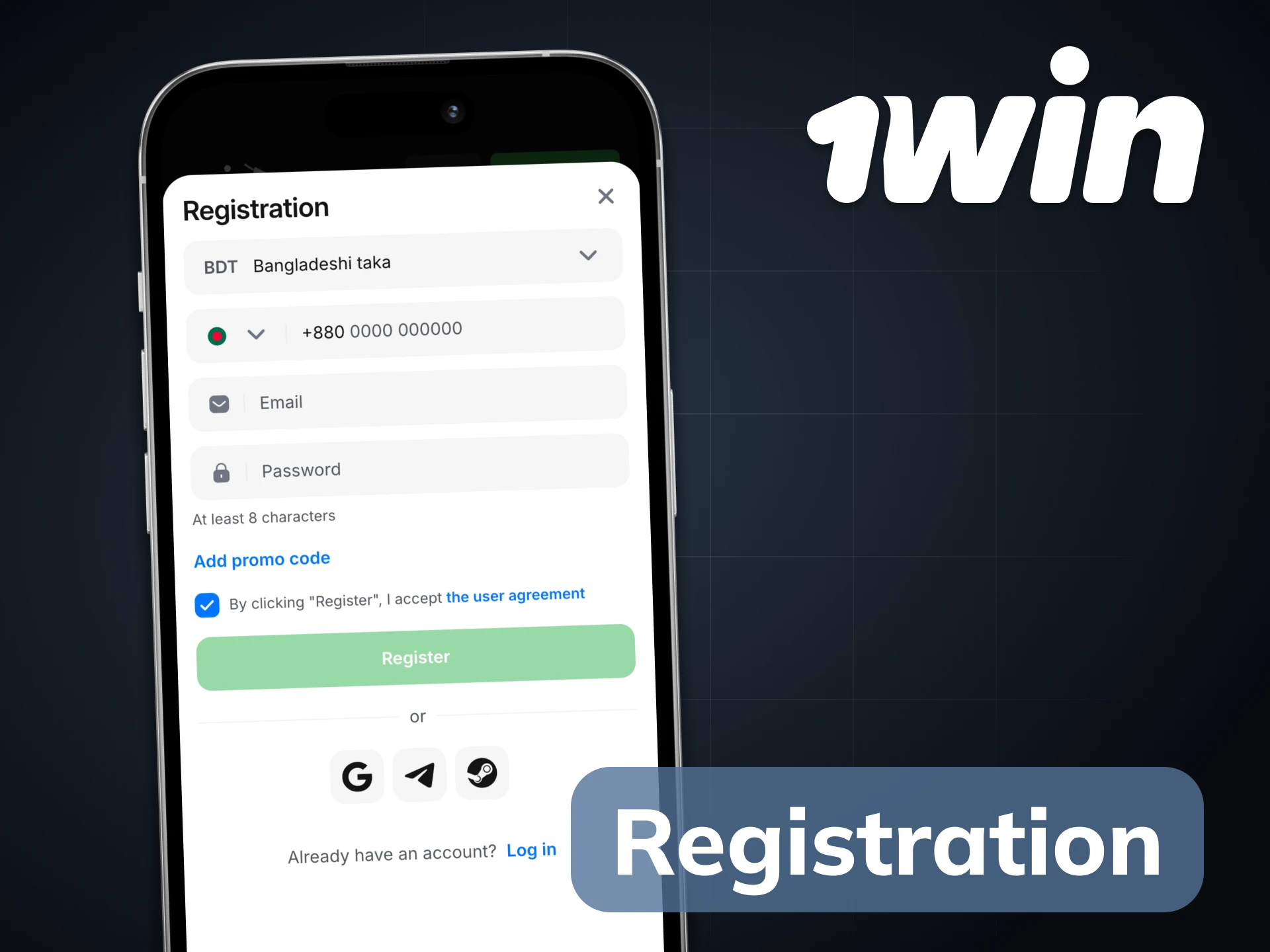
New to 1win? Creating your account directly inside the 1win application takes under two minutes. You do not need to visit the website separately – the full registration process runs inside the app.
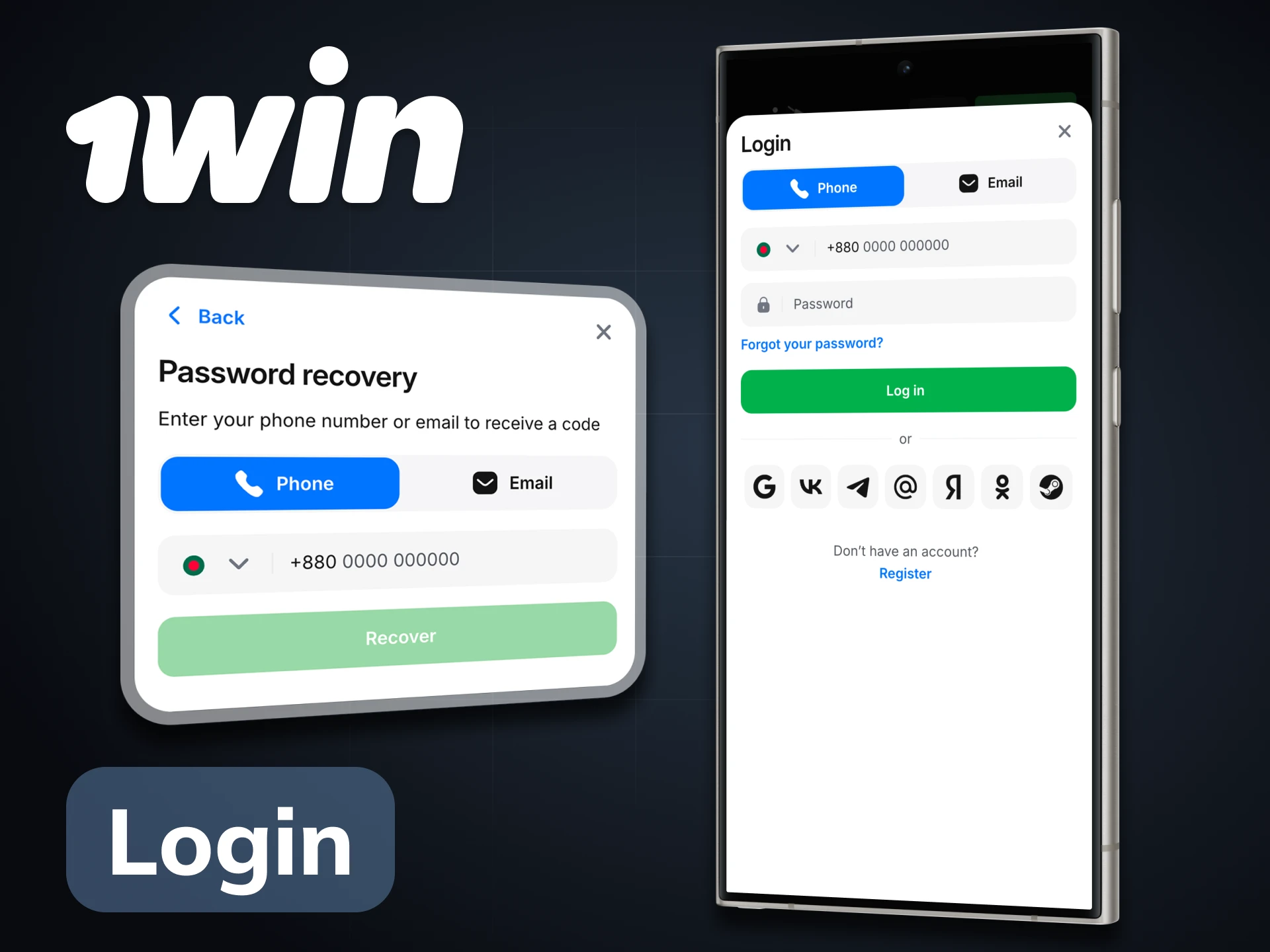
The 1win app login process takes seconds. Open the 1win mobile app, tap Login, enter your email or phone number and your password. If you have biometric login enabled – fingerprint on Android, Face ID on iPhone – you can skip the password entirely after the first login. This is especially useful during live cricket matches when you need to act quickly on changing odds.
For 1win app login issues: if you forgot your password, tap “Forgot Password” on the login screen and enter your registered phone number or email. A reset code arrives in seconds. If your account appears locked, contact Live Chat – available 24/7 in English and Bengali – with your registered phone number ready.
The 1win betting app covers 40+ sports with pre-match and live markets. For Bangladeshi players, cricket takes priority – but the full sportsbook is accessible with a single tap.
BPL, IPL, Bangladesh national team series, T20 World Cup, Asia Cup, and all major international cricket tournaments are available with ball-by-ball live markets. The 1win bet apk gives you odds updates after every delivery during live matches. Markets include Match Winner, Top Batsman, Top Bowler, Total Runs, Session Runs, Most Sixes, Method of Dismissal, and Player of the Match. Live streaming of selected matches is available for logged-in users with an active balance.
Bangladesh Premier Football League, Premier League, Champions League, La Liga.
Pro Kabaddi League and international fixtures with live markets.
NBA, EuroLeague, Asian leagues.
ATP, WTA, Grand Slams.
CS2, Dota 2, League of Legends, Valorant with 200+ daily events.
Virtual cricket, football, and horse racing available 24/7.
UFC and major international fight cards.

Events beyond sport: politics, culture, entertainment outcomes.
Cash Out is available on live bets across all sports. The bet slip opens from the bottom of the screen without interrupting your view of the match.
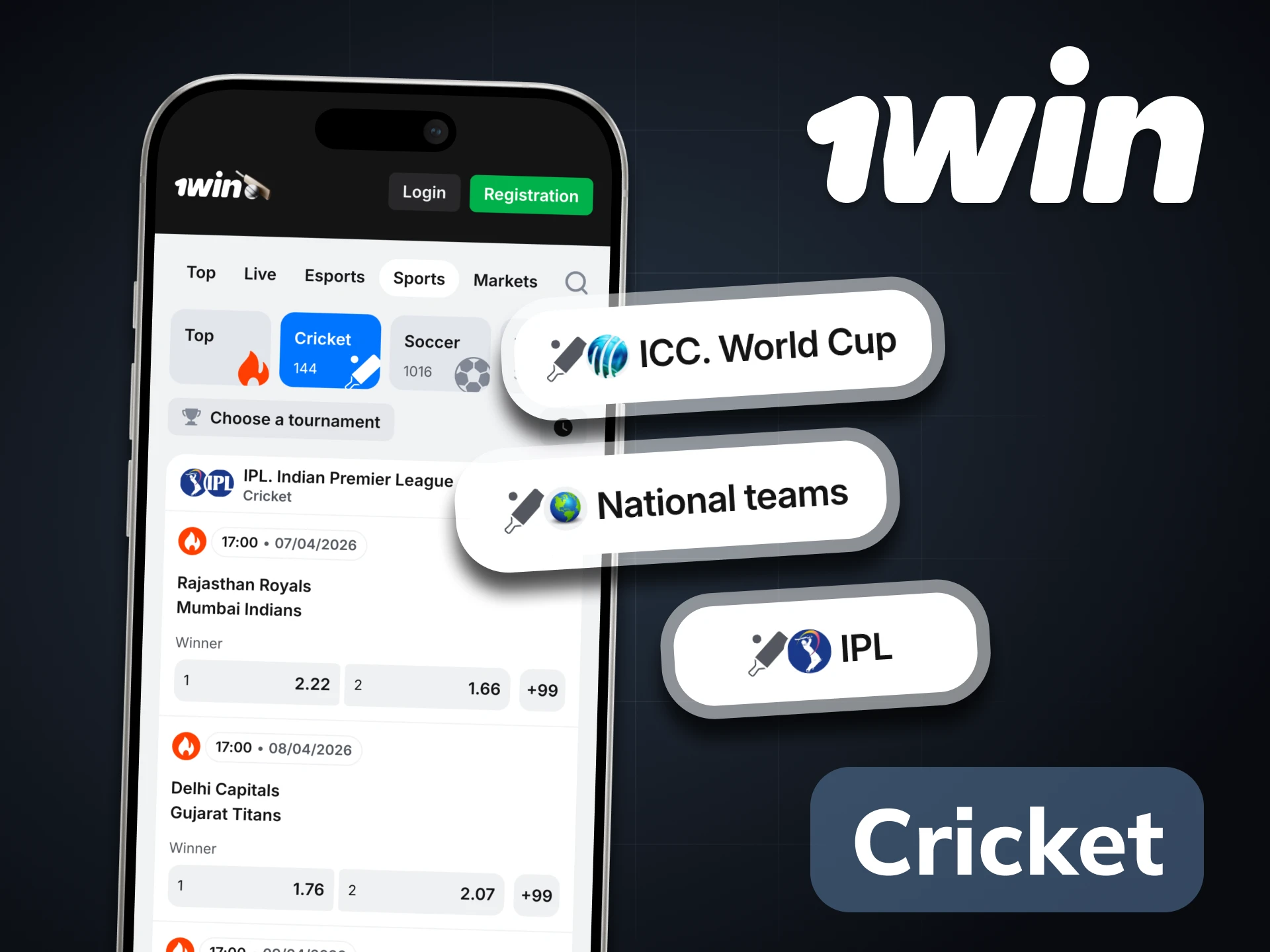
Cricket is the core of the 1win apps experience for Bangladeshi users. The in-app cricket interface is designed for speed – you can find a live BPL or IPL match, select a ball-by-ball market, and place a bet in under 30 seconds.
To navigate to cricket in the app tap Sports in the bottom menu → tap Cricket at the top of the sport list → select tournament → select match → choose market → tap the odds to add to bet slip → enter stake → confirm.
The 1win game section inside the app gives access to 14,000+ titles from 150+ certified providers – the same catalogue as the desktop version, fully optimised for touch screens.
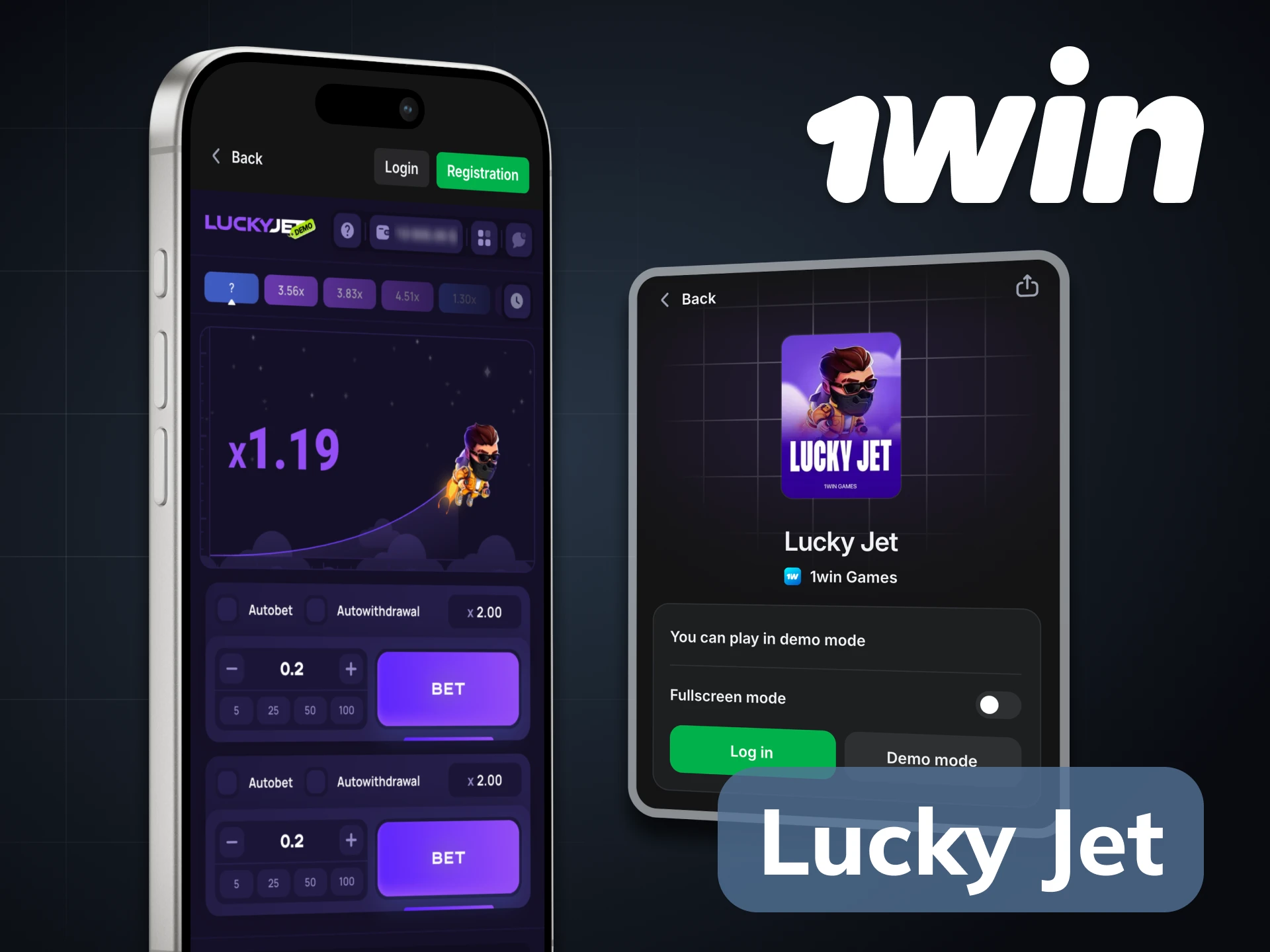
Lucky Jet is exclusive to 1win – you will not find it on any other platform. RTP is 97% and the maximum multiplier reaches x2,500. The double bet panel works perfectly on mobile: two simultaneous positions in the same round, both manageable with one thumb. The autoplay feature lets you set automatic cashout targets, which is useful when you want to run consistent strategies without watching every round.
Other crash games available in the 1win application include Aviator (RTP 96-97%, max x100,000), JetX, Mines, Plinko, and Spaceman. All crash games load instantly even on 3G – critical for Bangladeshi users on mobile data.
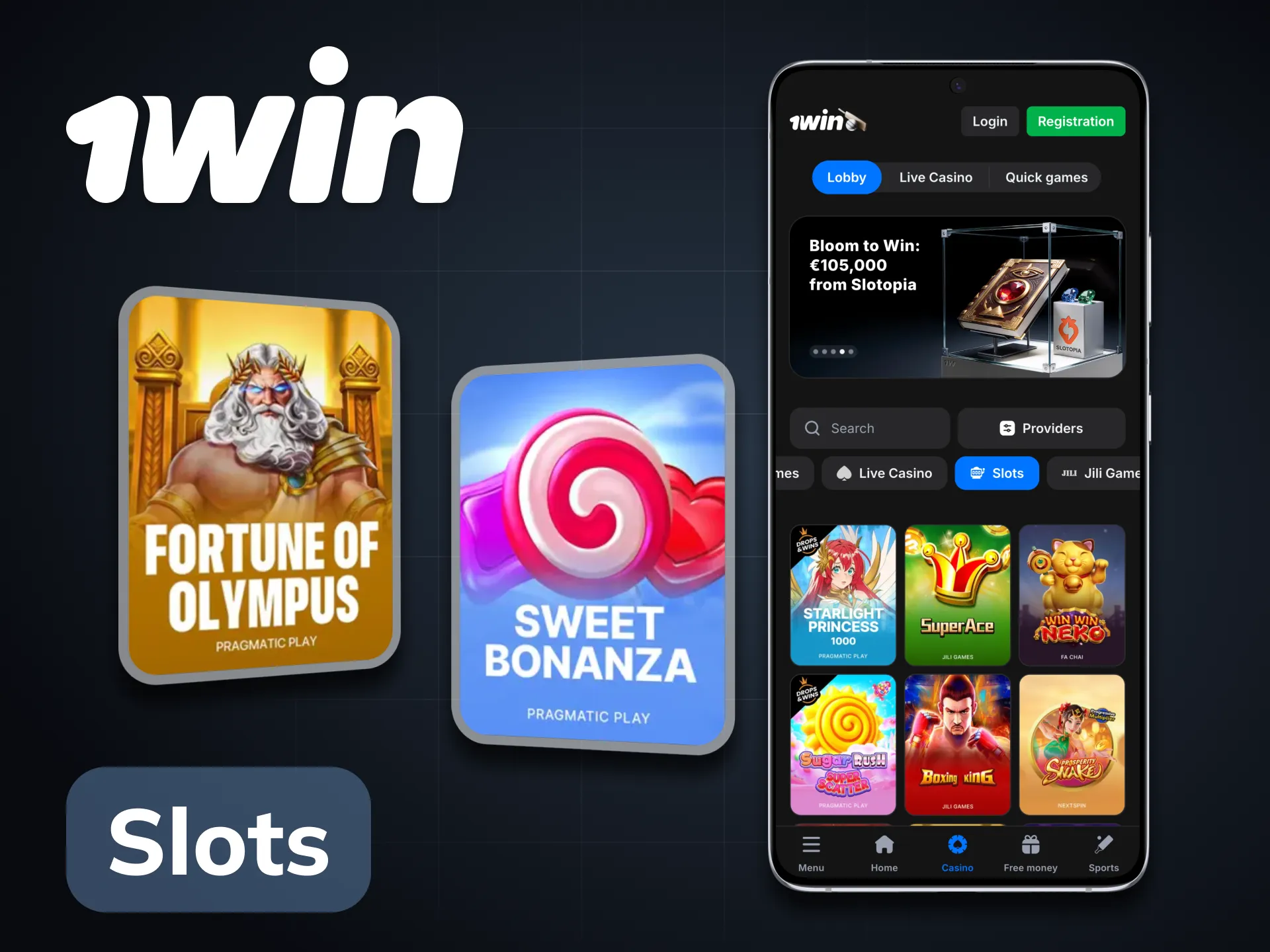
Gates of Olympus, Sweet Bonanza, Sugar Rush, Big Bass Bonanza, and 13,000+ other slot titles from providers including Pragmatic Play, NetEnt, Play’n GO, BGaming, and 145+ more. RTP averages 96%+ across the catalogue. Demo mode is available on most titles – you can practice without depositing by tapping the demo button on any slot.
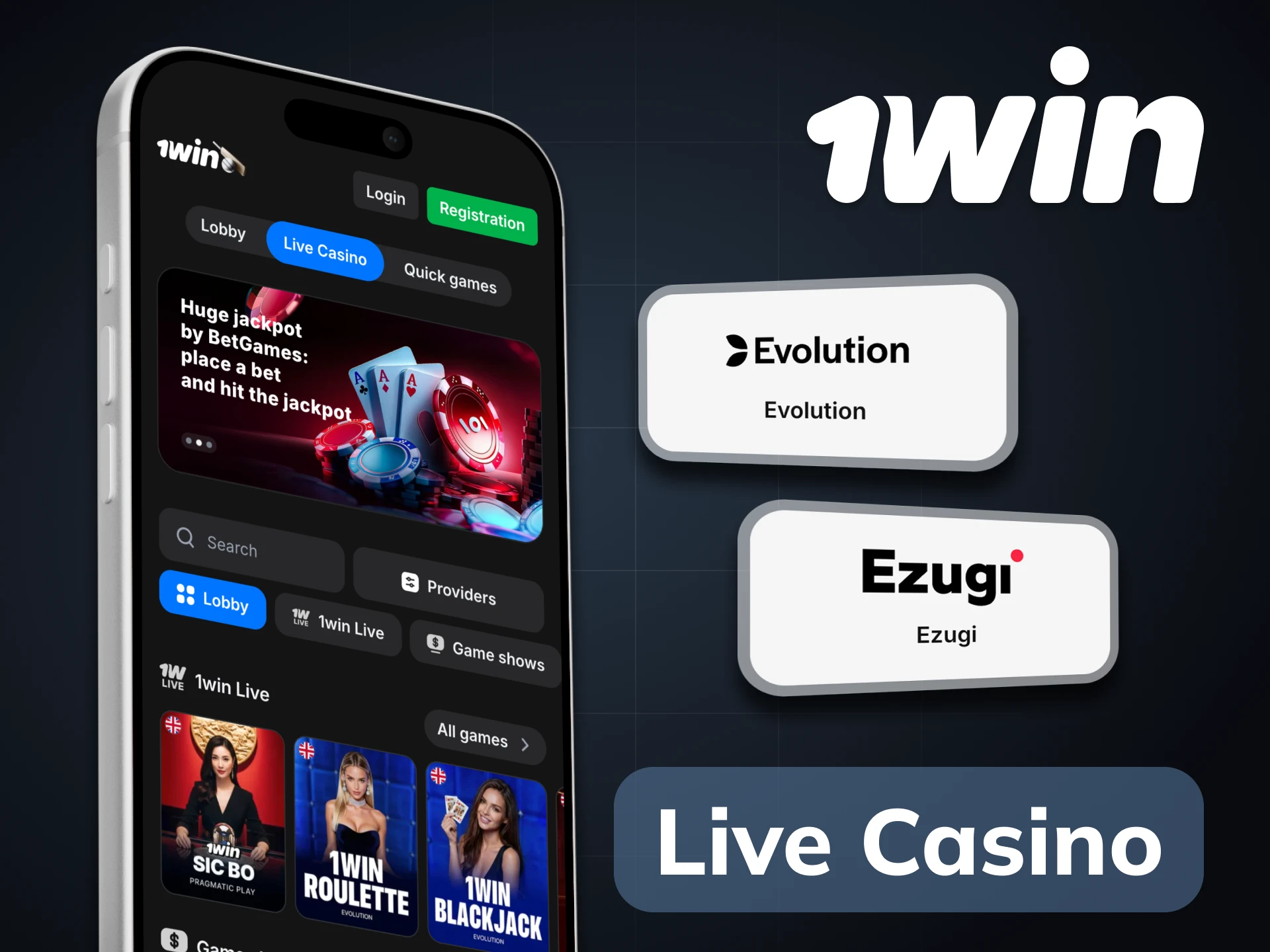
Evolution Gaming and Ezugi power the live tables in the 1win online casino. Andar Bahar and Teen Patti – both deeply familiar to South Asian players – are available with live dealers. Lightning Roulette, Crazy Time, Speed Baccarat, and Infinite Blackjack are available around the clock. Selected tables have dealers who speak Bengali and Hindi.
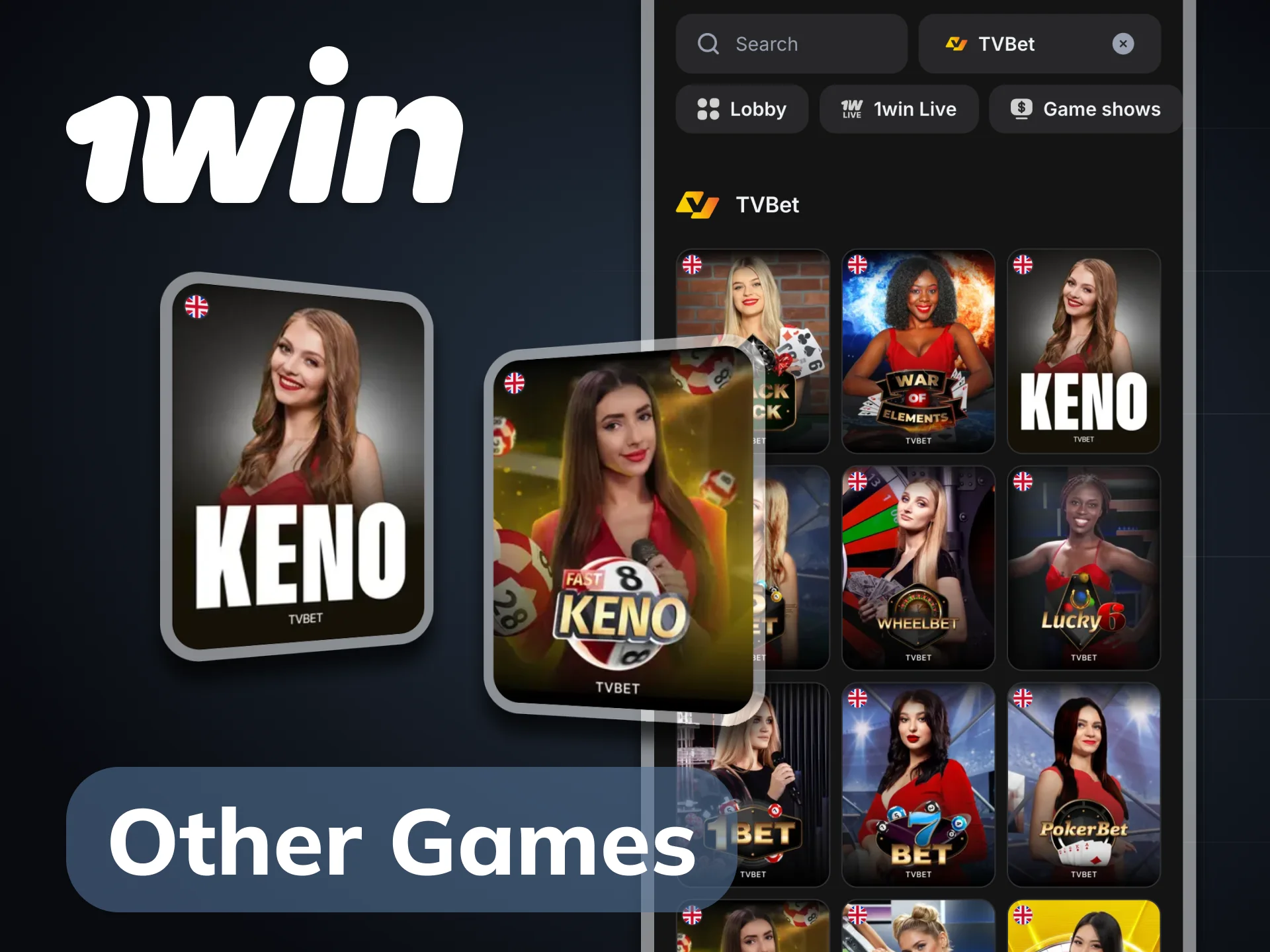
TV Games (TVBet) offer rapid-result formats including Keno, Lucky 6, and Poker. The Fantasy Sports section lets you build a team from real players and earn points based on actual performance – particularly popular during BPL and IPL. The Poker room offers Hold’Em, Omaha, fast tables, and tournaments with rakeback up to 50% every Monday.
The 1win betting app carries the full bonus programme, including two bonuses that are only available when you use the app specifically.
200 1win Coins credited automatically after installation.

100 1win Coins for enabling notifications – a total of 300 Coins from the install alone, convertible to real BDT when you reach 1,000.

Applies to your first four deposits. 100% on the first deposit up to 60,000 BDT, scaling to a maximum of 500% across all four deposits and up to 240,000 BDT total with regular payment methods. Depositing with cryptocurrency (Bitcoin, USDT, Ethereum) raises the cap to 600% and up to 300,000 BDT.
Adds 5-15% to accumulator winnings when you combine 5 or more events with odds above 1.3. Casino cashback returns up to 30% of weekly net losses every Monday. The 1win Coins loyalty programme runs continuously – every bet earns Coins that accumulate toward real BDT rewards.
Push notifications are one of the most practical reasons to use the 1win apk over the mobile website, particularly for live cricket betting in Bangladesh.
During a BPL or IPL match, live odds on ball-by-ball markets can shift within seconds – a wicket, a six, or a rain delay changes everything. A push notification gives you the alert before you open the app, so you can act while the odds are still favourable.
With notifications enabled in the 1win apps, you receive alerts for match start times on BPL and IPL fixtures, significant odds movements on markets you have selected, key in-play events like wickets and milestones, new promotions and bonus activations, Cash Out suggestions when a live bet moves into profit, and 1win Coins reward updates.
To enable: when you first open the 1win application after installation, tap “Allow” when the notification permission prompt appears. If you dismissed it at install, go to your phone’s Settings → Apps → 1win → Notifications → Enable.
The 1win apk download latest version is specifically optimised to run on budget and mid-range Android devices – which represent the majority of smartphones used in Bangladesh. You do not need a high-end phone.
The following models all run the 1win mobile app without lag on betting, crash games, and standard slots:
Minimum requirements: Android 5.0 or above, 1 GB RAM, 20 MB free storage. For live casino streaming, 2 GB RAM and a stable 4G connection are recommended.
Mobile data usage matters for Bangladeshi players on limited plans. The 1win bet apk is designed to be data-efficient, but the table below helps you plan sessions accordingly.
| Activity | Estimated Data per Hour |
|---|---|
| Sports betting (no streaming) | ~5-10 MB |
| Lucky Jet and crash games | ~10-15 MB |
| Slots | ~15-25 MB |
| Live cricket streaming | ~100-200 MB |
| Live Casino HD streaming | ~200-400 MB |
For sports betting and crash games, 3G is sufficient. For live casino with HD streaming, connect to Wi-Fi or a strong 4G signal for uninterrupted play.
The 1win official app operates under the Curaçao licence (#8048/JAZ2018-040) that covers the full platform. All data transmitted between the app and 1win servers is protected by TLS encryption – the same standard used by banking applications.
Biometric login – fingerprint on Android and Face ID on iPhone – ensures that even if someone picks up your phone, they cannot access your account or initiate withdrawals. Two-factor authentication is available in Settings → Security for an additional layer of protection.
Player funds are held in segregated accounts. KYC verification is required before withdrawals above ৳6,500, protecting your account from unauthorised cashouts. Download the 1win apk latest version only from the button on this page – this ensures you are getting the verified, unmodified official file.
Keeping the 1win apk download up to date matters for security patches, performance improvements, and access to new features – including any updates to the Lucky Jet mechanics or new crash game additions.
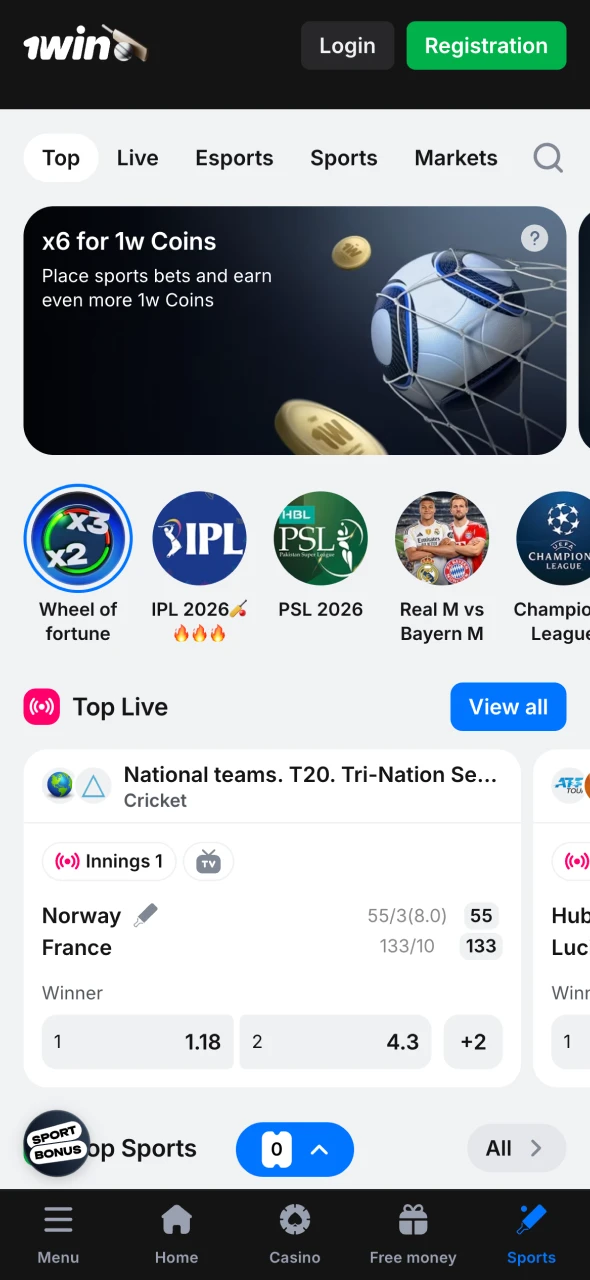
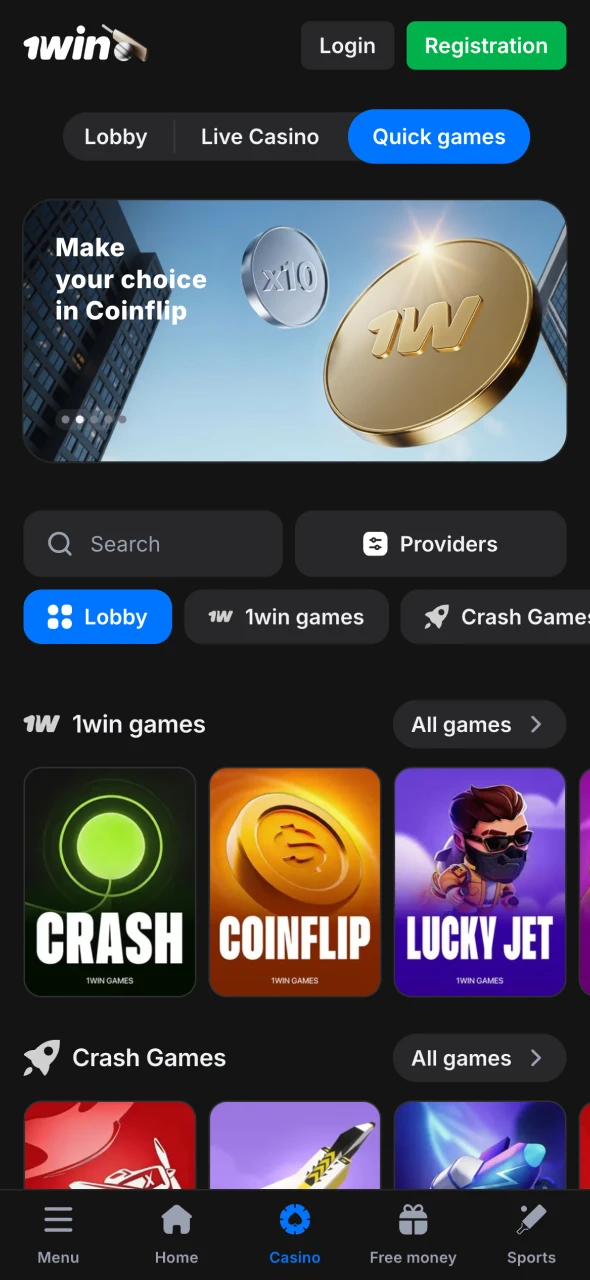
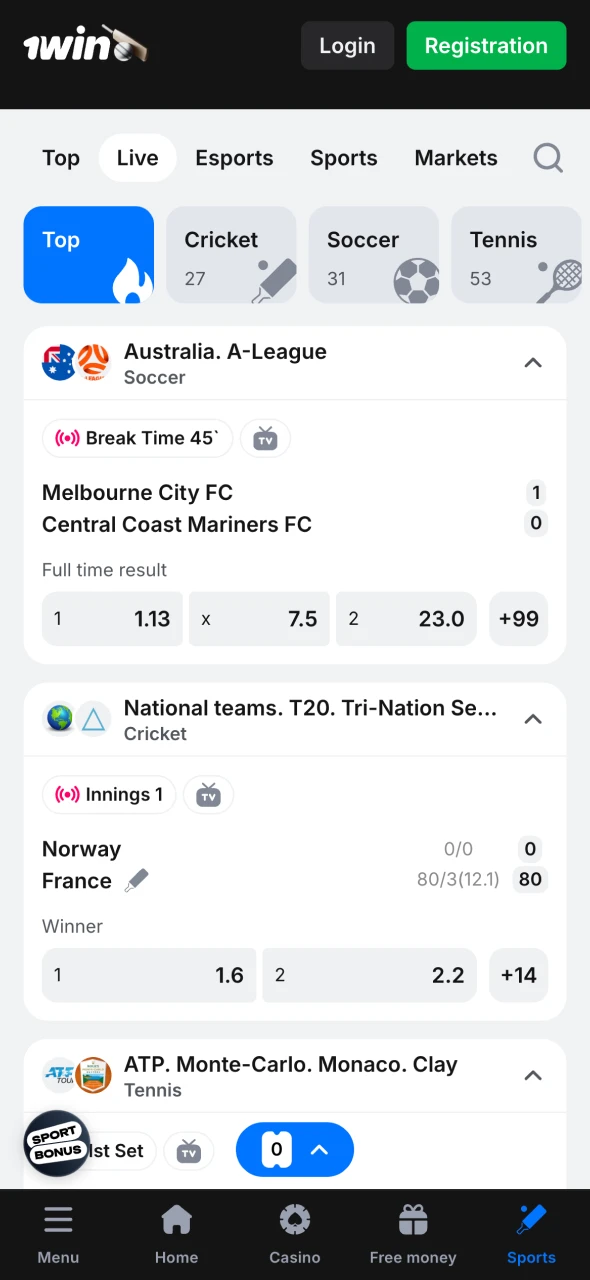
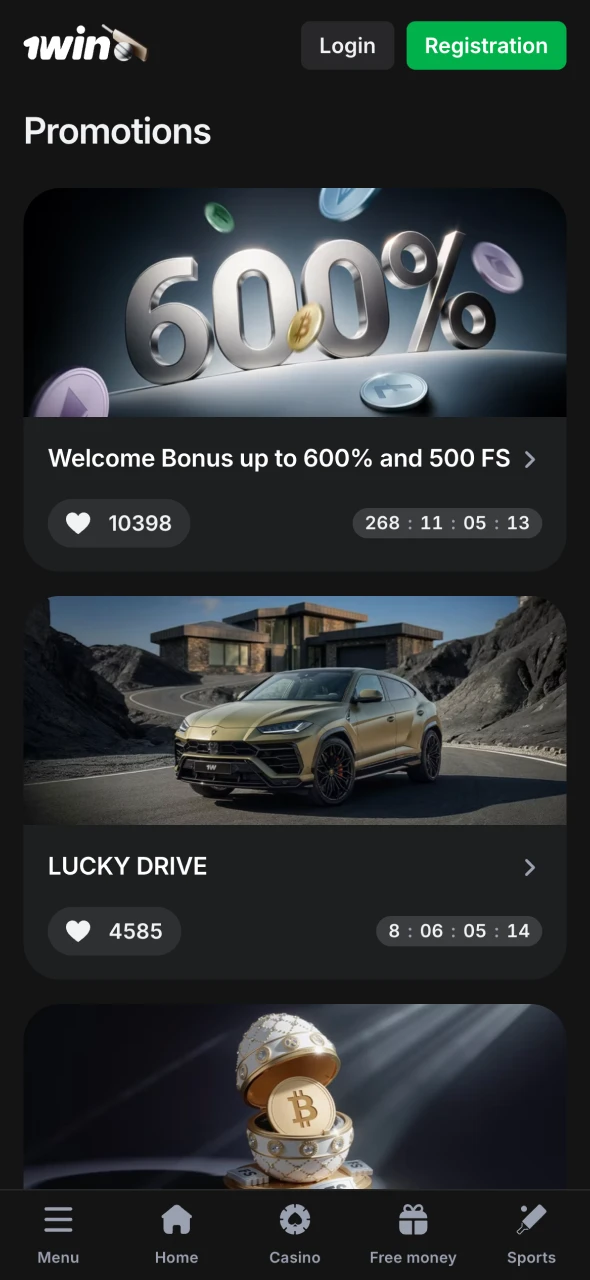
The 1win application uses a dark theme with gold accent colours throughout. Navigation is handled by a bottom bar with five sections: Sports, Casino, Live, Promotions, and Account – all reachable with a single tap.
Cricket is pinned at the top of the sports menu for Bangladesh users, with BPL and IPL tournaments immediately visible without scrolling. The Lucky Jet shortcut appears on the casino home screen alongside Fortune Tiger and Aviator. bKash and Nagad are the first options displayed when you tap Deposit.
The bet slip slides up from the bottom of the screen when you select a market, allowing you to see the match data and the slip simultaneously without navigating away. The Bengali language toggle is accessible from the top right menu of the settings screen.
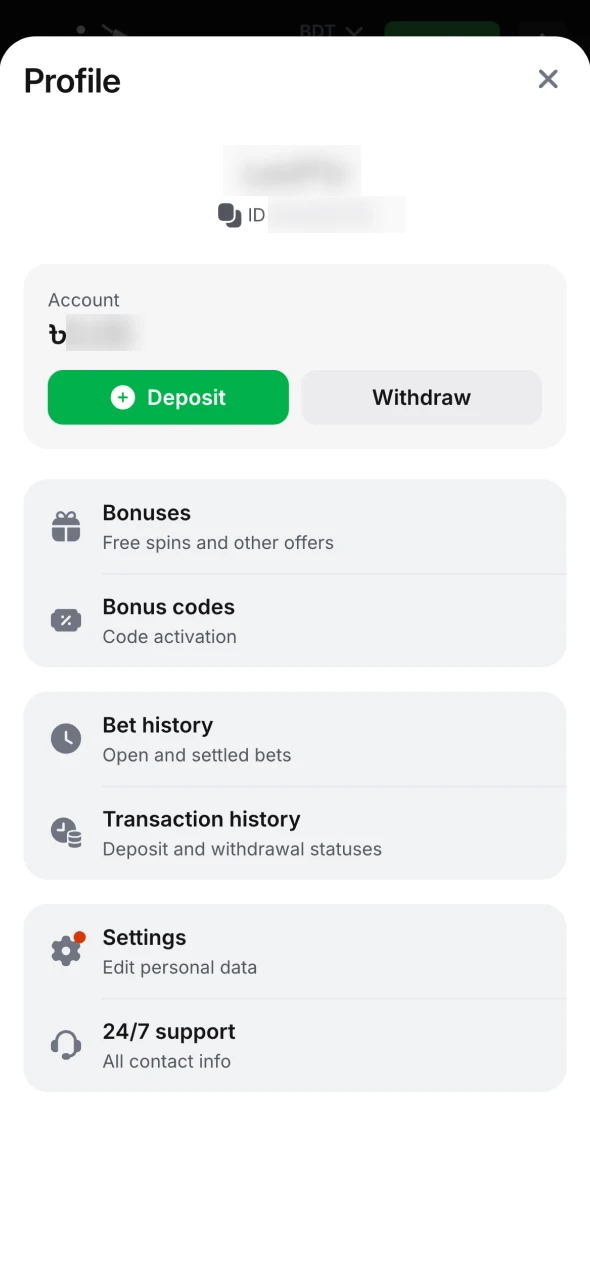
Deposit limits, session time limits, and loss limits are all configurable from the Account settings inside the 1win mobile app. Self-exclusion – temporary or permanent – is available on request through the 24/7 Live Chat team, which operates in both English and Bengali.
Betting and casino games are entertainment – never wager money you cannot afford to lose, and never chase losses to recover from a bad session. The minimum registration age is 18 years, enforced through KYC verification.
No. The 1win apk download is made directly from our official source – Google restricts betting apps from the Play Store. Use the button on this page for the official file.
Tap the Download for Android button on this page, enable Unknown Sources in your Android settings, open the downloaded file, and install. The full process takes under 3 minutes.
Yes, when downloaded from our official source. The 1win official app uses TLS encryption and operates under Curaçao licence #8048/JAZ2018-040.
Yes – as a PWA. Install it from Safari: visit the site → Share → Add to Home Screen. Full functionality, no App Store required.
The Android APK is 8.61 MB – one of the smallest betting apps available. The iOS PWA requires no download. The PC client is approximately 50 MB.
Yes. Tap Deposit → bKash → enter amount → confirm in the bKash app. Funds appear instantly.
The 200 Coins are credited automatically after you install the 1win application and log in for the first time. Enable push notifications for an additional 100 Coins.
Yes, from Android 5.0 with 1 GB RAM. Budget devices including Symphony and Walton models are compatible for betting and crash games.
Yes. Both tournaments have full ball-by-ball live markets inside the 1win betting app, with live streaming available for selected matches.
Download the new APK from this page and install over the existing version. Your account and balance are preserved. The iOS PWA updates automatically.
Yes. Bengali is available as a full interface language in the 1win mobile app from the settings menu.
Google restricts gambling applications from its store in many markets. The 1win game download is available directly from the official source – this is standard across all major licensed betting platforms.
Yes. Sports betting, Lucky Jet, and standard slots work well on 3G. Live casino HD streaming is better on 4G or Wi-Fi.
Updated:
Comments